


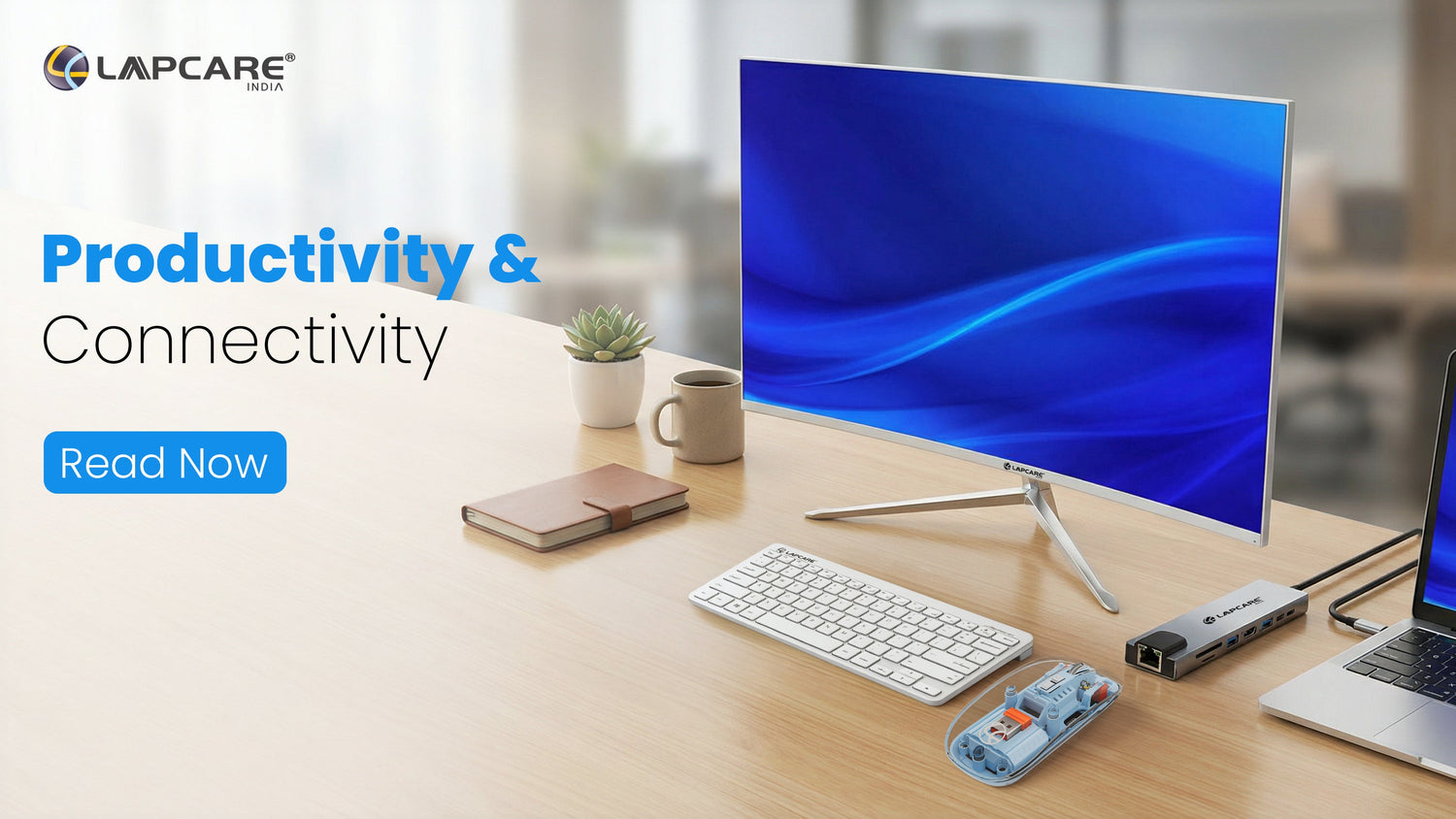
Maximize Efficiency: Must-Have Laptop Accessories for Productivity & Connectivity
The right laptop accessories can significantly improve productivity, comfort, and connectivity. From monitors and keyboards to docking stations, Type-C hubs, cables, and Webcams, each tool enhances efficiency, multitasking, and workflow. This guide highlights the essential accessories every professional should consider to build a smooth, reliable, and high-performing workspace.
Building a workstation, or managing everyday tasks starts with the right laptop accessories can dramatically improve your productivity, comfort, and connectivity. Modern work depends on seamless multitasking, reliable devices, and smart tools that help you stay efficient without struggle.
Here’s a complete guide to the most important accessories every professional should consider and why choosing quality matters.
1. Lapcare 27" LED Monitor (LM27WHD)

https://www.lapcare.com/collections/monitors
A larger external monitor can significantly elevate productivity by offering more screen space for multitasking, reducing constant window switching, and improving visual comfort during long work hours. For professionals handling spreadsheets, presentations, design tools, or research-heavy tasks, a bigger display directly translates into faster workflows and better focus.
The Lapcare 27" LED Monitor (68.58 cm) LM27WHD with Full HD resolution provides an expansive viewing experience that makes everyday work smoother and more efficient. Its wide screen size is especially useful for dual-window work, content reviews, and extended sessions where comfort and clarity matter.
Why We Recommend It:
-
Full HD resolution (1920×1080) for sharp, clear visuals
-
Large 27-inch (68.58 cm) display for enhanced multitasking
-
Anti-glare screen for comfortable, long-hour use
-
HDMI + VGA connectivity for easy compatibility
- Reliable performance suitable for professional workspaces
2. Lapcare Wireless Combo WL-102
Keyboard & Mouse: Comfort for Everyday Efficiency

https://www.lapcare.com/products/wireless-combo-wl-102
A good keyboard and mouse combination plays a key role in daily productivity. Comfortable typing, smooth cursor control, and a clutter-free desk help reduce fatigue and improve focus—especially during long working hours. Wireless combos add flexibility and keep your workspace clean and organized.
The Lapcare Wireless Combo WL-102 offers a responsive full-size keyboard and a precise wireless mouse, designed for effortless everyday work. Its stable wireless connection ensures smooth performance without cable clutter, making it ideal for home offices and professional setups alike.
Why We Recommend It:
-
Wireless keyboard and mouse for a clean workspace
-
Comfortable, full-size keyboard layout
-
Smooth and responsive mouse control
-
Reliable wireless connectivity for daily use
- Easy plug-and-play setup
3. Lapcare LAP-C 13-in-1 USB-C Docking Station (LOX-038)
Docking Stations: One Plug, Multiple Possibilities

https://www.lapcare.com/products/lap-c-13-in-1-usb-c-docking-station-with-4k-hdmi-pd-100w-lox-038
A docking station acts as a single, powerful connector that transforms your laptop into a full desktop setup. Instead of juggling multiple cables, you can connect monitors, external drives, Ethernet, and other peripherals all at once. This not only saves time but also keeps your workspace organized and reduces clutter, making multitasking smoother and more efficient.
Lapcare’s LAP-C 13-in-1 USB-C Docking Station (LOX-038) is a single hub that expands your laptop into a complete workstation.
Why we Recommend it:
-
13-in-1 ports for complete connectivity
-
4K HDMI + VGA for dual-display setup
-
100W USB-C PD for fast laptop charging
-
Gigabit Ethernet for stable internet
- USB 3.0 ports + SD/MicroSD card readers
4. Lapcare Lapcam HD 720P Web Camera (LWC-042)
Web Cameras: Clear Communication for Remote Work

https://www.lapcare.com/products/lapcam-web-camera-hd-720p-lwc-042
With remote work, online meetings, and virtual collaboration becoming the norm, a dedicated web camera is no longer optional. Built-in laptop cameras often fall short in clarity and low-light performance, affecting how professionally you come across during calls.
The Lapcare Lapcam HD 720P Web Camera (LWC-042) delivers clear video quality for meetings, interviews, and virtual presentations. Its plug-and-play design makes it easy to set up, ensuring you stay visible, clear, and confident in every call.
Why We Recommend It:
-
HD 720p video resolution for clear visuals
-
Built-in microphone for clear audio
-
Plug-and-play USB connectivity
-
Compact, adjustable design for easy positioning
- Ideal for video calls, meetings, and online collaboration
5. Lapcare Premium Cables
Premium Cables: Small Accessories That Influence Performance

Cables may seem minor, but they control the quality of charging, data transfer, and video output. High-quality cables ensure proper power delivery, reduce overheating, and maintain signal stability — especially when working with external monitors or transferring large files. Reliable cables also protect your laptop ports from long-term damage, making them a meaningful investment.
Lapcare offers a wide range of durable, high-performance cables to choose from. Low-quality cables may save a little today, but they can damage ports, overheat, or slow down performance.
Why We Recommend Them:
-
Support for fast, safe charging
-
Stable 4K HDMI and high-speed data output
-
Better internal shielding for no signal loss
- Longer lifespan compared to low-cost cables
Why Choosing Quality Accessories Matters
All productivity accessories do one thing: they remove friction.
Good accessories help you work faster, stay comfortable, connect more devices, and get more done with less effort.
Low-quality accessories, on the other hand, often cause:
-
Slow data transfer
-
Unstable connectivity
-
Overheating and port damage
-
Reduced performance and lag
-
Poor durability and loose connections
Your entire workspace becomes smoother when your tools are reliable.
Final Thoughts: Build a Workspace That Works for You
Productivity comes best when you remove the small obstacles that slow you down every day, rather than working extremely long hoursThe right laptop accessories create a workspace that adapts to your needs, supports your workflow, and keeps you connected without friction.
A larger monitor that reduces eye strain, a comfortable keyboard and mouse that make long hours easier, a docking station that simplifies connectivity, or reliable cables that ensure stable performance, each accessory plays a role in building a smoother work experience.
Investing in quality tools today means fewer interruptions, better focus, and a setup that grows with your work demands. When your workspace works effortlessly, you can truly focus on getting things done efficiently, confidently, and without compromise.

